
Workflow automation is defined as the use of rule-based logic to move tasks, data, and approvals between people or systems without manual intervention. The best workflow automation examples target repeatable, rule-driven processes with clear handoff points, because these deliver the most reliable efficiency gains. Employee onboarding, invoice approvals, and lead routing all share the same quality: visible delays, defined stages, and measurable outcomes. Keystoneconsulting works with organisations across healthcare, construction, and facilities management to map exactly these kinds of processes before any automation is applied. Getting the process right first is what separates a successful deployment from an expensive one.
1. Workflow automation examples: employee onboarding and offboarding
Employee onboarding is one of the strongest candidates for automation because every new hire follows the same sequence of steps. Onboarding workflows generate IT tickets, send welcome materials, assign training tasks, create shared folder access requests, and alert managers automatically. Each stage is highly repeatable, and delays are immediately visible, which makes it easy to measure the impact of automation.
Offboarding mirrors the same logic in reverse. When an employee leaves, the workflow revokes system access, notifies payroll, archives files, and triggers an exit survey without anyone needing to chase individual departments. The consistency this creates reduces compliance risk significantly.
Key stages typically automated in onboarding and offboarding include:
- IT account creation and access provisioning
- Payroll system alerts and benefits enrolment
- Training task assignment and completion tracking
- Equipment requests and return processing
- Manager notifications and calendar scheduling
Pro Tip: Map the current manual process on paper before building any automation. Automating a broken process only makes mistakes happen faster.
2. Invoice intake, approval, and purchase request workflows
Invoice processing is the second most common starting point for business process automation. Invoice intake workflows extract key fields such as supplier name, amount, and due date from incoming documents, route them to the correct approver, and update approval status automatically. AI handles the data extraction; humans retain control over the approval decision itself.

Purchase request workflows follow similar logic. A request submitted via a form triggers routing rules based on spend threshold and category. A £500 office supply order goes to a line manager. A £50,000 equipment purchase routes to the finance director. The rules are explicit, which removes the informal email chains that slow most finance teams down.
| Workflow stage | Manual approach | Automated approach |
|---|---|---|
| Data extraction | Staff re-key invoice fields | AI extracts fields on receipt |
| Approval routing | Email chain to manager | Auto-routed by spend and category |
| Status updates | Chased manually | Updated in real time |
| Audit trail | Scattered across inboxes | Centralised and timestamped |
Common automation steps in invoice workflows:
- Form or email trigger captures incoming invoice
- AI classifies document type and extracts structured data
- Routing logic sends to correct approver based on rules
- Approval or rejection updates the finance system
- Rejected invoices trigger a query back to the supplier
Pro Tip: Define your approval matrix before building the flow. If the routing rules are unclear in a spreadsheet, they will be unclear in the automation too.
3. Marketing and sales workflow automation examples
Marketing-to-sales handoff is one of the highest-value areas for automation because delays at this stage directly reduce revenue. Lead handoff workflows enrich lead data from form submissions, assign an owner based on territory or product line, create a CRM task, and notify the sales agent within seconds of qualification. The critical rule: do not automate the assignment until the qualification criteria are explicitly defined. Routing unqualified leads wastes sales time and damages trust between teams.
Campaign content production workflows are equally worth automating. A brief submitted by a marketing manager triggers a sequence: designer assigned, copy drafted, legal review requested, and final approval sent to the campaign owner. Each stage has a deadline. Missed deadlines trigger an escalation automatically.
Post-sale customer onboarding is a third use case that many teams overlook. Once a contract is signed, an automated workflow sends a welcome email, schedules an onboarding call, creates a project folder, and assigns a customer success manager. The customer receives a consistent experience regardless of which sales agent closed the deal.
Key automation points in marketing and sales:
- Lead enrichment and duplicate checking on form submission
- Territory-based or product-based owner assignment
- CRM task creation with due date and priority
- Campaign approval routing with deadline escalation
- Post-sale onboarding sequence triggered by contract signature
4. IT and support ticket automation
IT departments gain some of the clearest benefits from workflow automation because their work is almost entirely request-driven. Support ticket workflows automate request intake, assignment, and escalation management following SLA and priority rules. This removes the need for a team member to manually monitor a shared inbox and decide who handles each ticket.
A well-built IT automation covers four core areas:
- Request intake: A form submission or email trigger creates a ticket, classifies it by type, and assigns it to the correct queue based on category and urgency.
- Asset provisioning: During onboarding, the workflow requests hardware, software licences, and system access without IT needing a separate prompt from HR.
- SLA escalation: If a ticket is not resolved within the defined window, the workflow escalates it to a senior engineer and notifies the requester automatically.
- Compliance reminders: Recurring workflows send certification renewal reminders, patch update alerts, and audit preparation tasks on a fixed schedule.
AI classification adds further value here. Rather than relying on staff to categorise tickets correctly, an AI prompt reads the request text and assigns the most likely category and priority. This is particularly useful in distributed teams where ticket volume is high and manual triage is slow.
5. AI-driven document and attachment processing
Modern workflow automation handles unstructured data through AI classification, which extends automation well beyond simple form-based triggers. Power Automate cloud flows use AI prompts to classify each email attachment as an invoice, purchase order, CV, or other document type, save it to the appropriate SharePoint folder, and extract key details into metadata columns. Folders are created dynamically if they do not already exist, and JSON output enables structured data handling in every follow-up step.
This approach removes manual sorting entirely. A finance team receiving 200 supplier emails per week no longer needs a staff member to open each one and file the attachment. The workflow does it on arrival, with a consistent classification logic that does not vary by day or workload.
The most common technical pitfall in this type of flow is treating a collection of attachments as a single file. Looping through attachments individually, treating them as a dynamic table rather than a single item, is the correct approach. Failing to loop causes incomplete processing, where only the first attachment is handled and the rest are silently ignored.
| Approach | Handles multiple attachments | Extracts structured data | Creates folders dynamically |
|---|---|---|---|
| Manual sorting | No | No | No |
| Basic rule-based flow | Partially | No | No |
| AI-enhanced flow with looping | Yes | Yes | Yes |
Pro Tip: Always test your attachment loop with an email containing three or more files before deploying. Single-attachment tests will pass even when the loop logic is broken.
For teams exploring how AI governance applies to automated document handling, the classification logic used in these flows needs the same oversight as any other AI decision point.
Key takeaways
The most effective workflow automation targets repeatable, rule-driven processes with clear ownership, defined triggers, and measurable outcomes across onboarding, finance, sales, IT, and document management.
| Point | Details |
|---|---|
| Start with repeatable processes | Onboarding and invoice approvals offer clear stages and visible delays, making them ideal first automations. |
| Define rules before building | Routing logic for approvals and lead assignment must be explicit before any flow is created. |
| Use AI for unstructured data | AI classification handles email attachments and document types that rule-based logic alone cannot process. |
| Loop through attachment collections | Treating attachments as dynamic tables prevents incomplete processing in document automation flows. |
| Measure outcomes from day one | Automation without visible metrics makes it impossible to prove value or identify failures early. |
Why I think most teams automate the wrong things first
The conventional advice is to start with the most painful process. I disagree. Pain is often a symptom of unclear ownership or poorly defined rules, and automating that kind of process does not fix it. It embeds the confusion into a system that runs faster.
The processes worth automating first are the ones where someone could write the decision logic on a single page. Employee onboarding qualifies. Invoice routing qualifies. A complex client escalation process with six stakeholders and no agreed criteria does not qualify, regardless of how much time it wastes.
I have also seen teams layer AI into workflows before the underlying process is stable. AI adds genuine value when it handles classification or extraction tasks that humans find tedious and error-prone. It does not add value when it is asked to make judgement calls that the organisation has not yet made itself.
The teams that scale automation well share one habit: they treat their first three automations as templates. They build them carefully, document the logic, and reuse the structure for the next ten. That approach cuts deployment time and reduces the risk of building flows that nobody understands six months later. For a broader view of workflow management systems and how they fit into a wider operations strategy, the frameworks there are worth reviewing before committing to a platform.
— Peter
How Keystoneconsulting supports workflow automation
Keystoneconsulting brings 20 years of delivery governance experience to organisations that need more than a platform. The Videra platform maps workflows directly to governance requirements, so every automated process is audit-ready from the start. Teams in healthcare, construction, and facilities management use it to replace reporting bottlenecks with structured, AI-powered outputs.
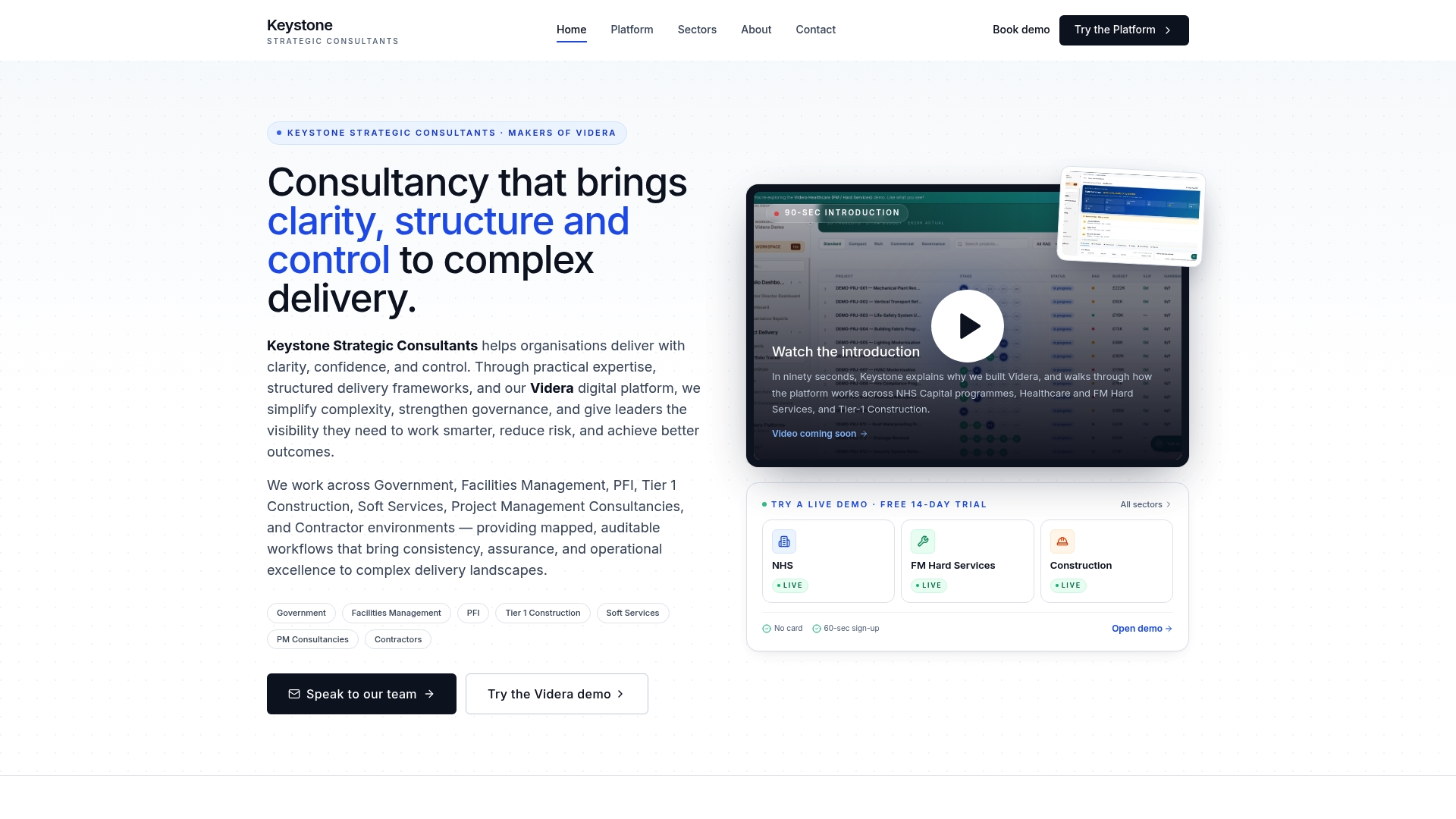
Working with Keystoneconsulting means the automation strategy is built on a mapped process, not a guess. The team integrates directly with your operations to identify the highest-impact use cases, define the routing logic, and deploy flows that hold up under scrutiny. Visit Keystoneconsulting to see how the Videra platform supports delivery governance and workflow automation across regulated industries.
FAQ
What are the best workflow automation examples to start with?
Repeatable, rule-driven processes such as employee onboarding, invoice approvals, and IT ticket routing are the best starting points. These have clear stages, defined handoffs, and visible delays that make automation impact easy to measure.
What are the main benefits of workflow automation?
Workflow automation reduces manual effort, accelerates cycle times, and improves consistency across teams. The greatest gains come from processes where delays are visible and routing rules can be written down explicitly.
How does AI improve workflow automation?
AI handles unstructured inputs that rule-based logic cannot process alone, such as classifying email attachments by document type and extracting key data fields. This extends automation to finance, HR, and operations tasks that previously required manual review.
What is a Power Automate workflow example?
A Power Automate cloud flow can receive an email, loop through each attachment, classify it using an AI prompt, save it to the correct SharePoint folder, and update metadata columns with extracted data. This is one of the most practical examples of automated workflows available to teams using Microsoft 365.
How do I know if a process is ready to automate?
A process is ready to automate when the decision logic fits on a single page, ownership is clear, and the trigger is consistent. If the rules require negotiation between stakeholders before they can be written down, the process needs redesign before automation.