
Workflow management systems are software platforms that automate, coordinate, and govern business processes to improve productivity and reduce operational risk. The best workflow management systems examples span everything from invoice processing and employee onboarding to complex multi-department project governance. Workflow automation reduces manual processing time for repetitive tasks by 40–70%, which means a mid-sized organisation can reclaim hundreds of staff hours per month. Choosing the right system requires understanding which category of tool fits your operational complexity, not just which product has the most features.
What are the top workflow management systems examples?
The market offers a wide spectrum of workflow tools, from lightweight task managers to full process orchestration platforms. The ten examples below represent the most widely adopted categories, each suited to different organisational scales and workflow types.

1. Process orchestration platforms
Process orchestration platforms handle complex, multi-step workflows that span several departments or systems. They enforce business rules, manage exceptions, and produce audit trails automatically. Healthcare organisations use them to coordinate patient admissions, clinical approvals, and discharge planning across teams. Key features include:
- Visual process modelling with BPMN (Business Process Model and Notation) standards
- Role-based access controls and compliance logging
- Integration with ERP and CRM systems via APIs
- Real-time dashboards showing workflow status and bottlenecks
These platforms suit organisations where governance and audit readiness are non-negotiable requirements.
2. Visual task managers
Visual task managers organise work into boards, lists, or Gantt charts. Teams use them to assign tasks, set deadlines, and track progress without writing a single line of code. Marketing agencies and product teams favour this category for sprint planning and campaign management. They are the most accessible entry point into structured workflow management for teams new to formal process governance.
Pro Tip: If your team currently manages work through shared spreadsheets or email threads, a visual task manager is the fastest way to gain visibility without a lengthy implementation.
3. Integration automation tools
Integration automation tools, often called "glue" tools, connect separate applications and trigger actions between them. Experts classify these as 'glue' automation tools alongside visual task managers and process orchestrators as the three core categories of workflow systems. A typical use case is routing a new sales lead from a web form into a CRM, then notifying the relevant account manager via a messaging platform. Finance teams use them to push approved invoices from an accounts payable system into a payment processor without manual re-entry.
4. Low-code workflow builders
Low-code workflow builders let operations managers design and deploy automations through drag-and-drop interfaces rather than custom development. This category has grown significantly because it removes the dependency on IT for routine process changes. Construction firms use low-code builders to automate site inspection sign-offs, permit requests, and subcontractor approvals. The trade-off is that highly complex logic can become difficult to maintain as workflows grow.
5. AI-powered workflow automation systems
AI-powered workflow automation systems go beyond rule-based triggers. AI-integrated workflows with predictive capabilities deliver competitive advantages by detecting churn-risk accounts or anomalies before they escalate. In facilities management, an AI-powered system can predict maintenance failures by analysing sensor data and automatically scheduling a work order before a breakdown occurs. This shifts operations from reactive to proactive, which is the defining benefit of this category.
6. Document and approval workflow systems
Document and approval workflow systems manage the lifecycle of contracts, purchase orders, and compliance documents. They route files to the correct approvers in sequence, capture digital signatures, and store version histories. Legal and procurement teams rely on them to meet internal governance standards and external regulatory requirements. The audit trail these systems produce is often the deciding factor for organisations operating under ISO 9001 or sector-specific compliance frameworks.
7. HR and employee lifecycle platforms
HR workflow platforms automate the processes that move an employee from offer acceptance through onboarding, training, performance review, and offboarding. Workflows such as employee onboarding show efficiency gains of 40–70% when automated. That gain comes from eliminating the manual coordination of IT provisioning, payroll setup, and induction scheduling that typically falls across three or four separate departments. For organisations with high staff turnover, this category delivers measurable cost reductions quickly.
8. Sales and CRM workflow automation
Sales workflow automation systems manage lead routing, follow-up sequences, pipeline stage changes, and renewal alerts. Workflow examples in sales and customer service include lead qualification, contract renewal triggers, and customer escalation routing. The practical impact is that no lead goes cold because a rep forgot to follow up. Enterprise sales teams use these systems to enforce a consistent sales process across large, distributed teams.
9. Finance and billing workflow systems
Finance workflow systems automate invoice generation, approval chains, payment reconciliation, and expense reporting. They reduce the risk of human error in high-volume transaction environments and create a clear record for audit purposes. Organisations in the construction and facilities management sectors use them to manage subcontractor billing cycles and project cost tracking against approved budgets. Integration with accounting platforms such as Xero or Sage is a standard requirement for this category.
10. Project governance and delivery platforms
Project governance platforms combine workflow automation with reporting and compliance tracking. Keystoneconsulting's Videra platform sits in this category, providing mapped workflows, AI-powered reporting, and audit-ready documentation for sectors including healthcare, construction, and facilities management. These platforms address the governance failures that generic project tools cannot resolve, specifically the lack of a single source of truth and the absence of automatic compliance reporting.
How to classify workflow management systems by business utility
Understanding which category a tool belongs to prevent mismatched purchases. The three primary classifications are integration tools, task managers, and process orchestrators.
| Category | Primary use | Best suited for | Typical complexity |
|---|---|---|---|
| Glue/integration tools | Connect apps and trigger actions | SMEs with siloed software stacks | Low to medium |
| Visual task managers | Organise and assign team work | Project teams, agencies, SMEs | Low |
| Process orchestrators | Govern complex multi-step processes | Enterprises, regulated industries | High |
Pro Tip: Before selecting a category, map your current workflows on paper first. Process mapping reveals redundancies and ownership gaps that automation would otherwise accelerate rather than fix.
Organisations often purchase a visual task manager when they actually need a process orchestrator. The symptom is that the tool gets used for tracking but fails to enforce rules or produce compliance records. Matching the category to the organisational complexity is the single most important selection decision.
Industry-specific workflow management examples
Different sectors automate different processes, and the compliance requirements vary significantly.
IT and software development
IT teams automate incident management, change request approvals, and deployment pipelines. Typical workflows include:
- Automated ticket routing based on issue type and severity
- Change advisory board approval chains with audit logs
- Onboarding and offboarding of system access rights
Healthcare
Healthcare organisations automate patient pathway coordination, clinical approvals, and regulatory reporting. Governance requirements under CQC standards make audit-ready workflows a necessity rather than a preference.
Marketing
Marketing teams automate campaign approvals, content publishing schedules, and lead nurturing sequences. The focus is speed and consistency across high-volume, repeatable processes.
Finance and procurement
Finance teams automate purchase order approvals, three-way invoice matching, and expense policy enforcement. Accuracy and traceability are the primary drivers in this sector.
Construction and facilities management
Construction workflows cover permit applications, site inspection sign-offs, subcontractor onboarding, and defect tracking. Keystoneconsulting works directly in this sector, embedding mapped workflow governance into delivery teams to reduce reporting bottlenecks and compliance failures.
How to choose the right workflow management system
The selection criteria that matter most are integration capability, governance features, implementation timeline, and total cost.
- Integration capability: The system must connect to your existing tools without requiring custom development for every data exchange.
- Governance and compliance features: Look for role-based access, audit logs, and automated reporting. Successful organisations prioritise governance and a single source of truth over feature count.
- Implementation timeline: Small-to-medium businesses typically spend 2–8 weeks implementing basic workflows before seeing a return. Plan for this window in your project schedule.
- Budget: SMEs allocate 2–5% of operational budget to workflow systems. Enterprise platforms cost significantly more and require dedicated implementation resources.
- Vendor lock-in risk: All-in-one tools offer fast deployment but can limit granular control and lead to costly migrations as the organisation scales.
Pro Tip: Use a process mapping tool to document your current workflows before evaluating any system. Automating a broken process makes it break faster.
The organisations that get the most from workflow systems are those that define ownership and success metrics before they select a platform. Technology follows process design. It does not replace it.
Key takeaways
The most effective workflow management systems are those matched to organisational complexity, governed by clear ownership, and selected only after existing processes have been mapped and validated.
| Point | Details |
|---|---|
| Match tool to complexity | Choose process orchestrators for regulated industries; task managers suit smaller, less complex teams. |
| Map processes first | Process mapping before implementation prevents automating flawed or redundant workflows. |
| Governance over features | Audit trails, compliance logging, and a single source of truth matter more than feature count. |
| Budget and timeline | SMEs should plan for 2–8 weeks to implement basic workflows and 2–5% of operational budget. |
| AI adds predictive value | AI-powered systems shift operations from reactive to proactive by detecting issues before they escalate. |
What I have learned from 20 years of workflow implementation
The most common mistake I see organisations make is buying a tool before they understand their process. A manager attends a product demo, sees a slick interface, and signs a contract. Six months later, the system is used for basic task tracking while the governance failures it was supposed to fix remain untouched.
Governance is not a feature you switch on. It is a discipline you build into the process design before any software is involved. The organisations I have worked with that achieved lasting improvements all did the same thing: they mapped their workflows, identified who owned each step, and defined what "done" looked like before they touched a platform.
The rise of AI in workflow automation is genuinely significant. AI-powered workflows that predict issues before they occur represent a real shift in what these systems can do. But AI cannot compensate for a process with no clear owner or a reporting structure that nobody trusts. Get the foundations right first.
My practical advice is to start with one workflow that causes the most friction, automate it properly, and measure the result. That proof of concept builds internal confidence and reveals what the next priority should be. Scaling too fast, across too many departments at once, is how organisations end up with AI project management tools that nobody uses.
— Peter
How Keystoneconsulting supports workflow governance
Keystoneconsulting has spent 20 years solving the governance and reporting failures that standard workflow tools leave behind. For organisations in healthcare, construction, and facilities management, the gap between having a workflow system and having a governed delivery process is significant.
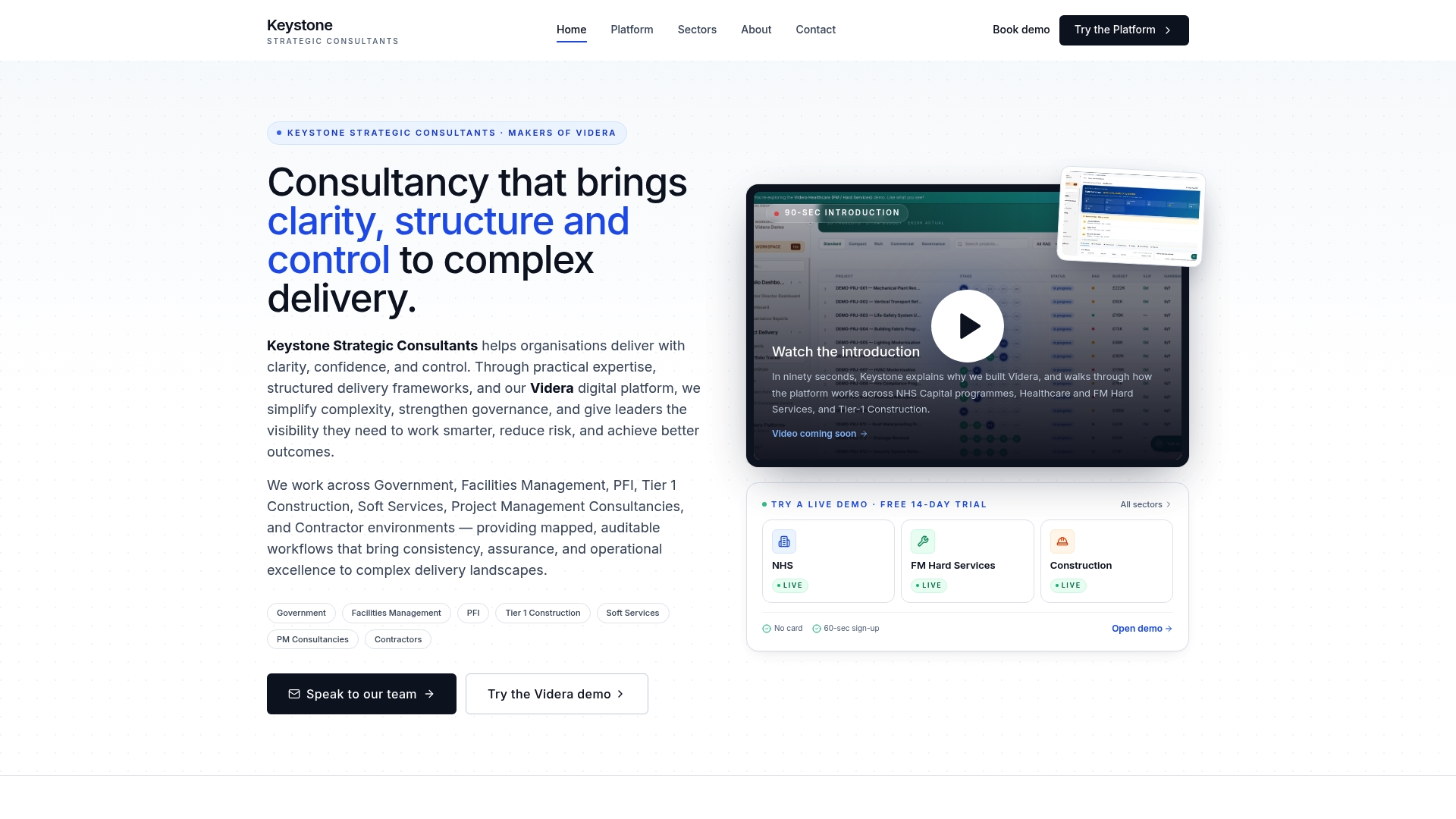
The Videra platform provides mapped workflows, AI-powered reporting, and audit-ready compliance documentation built for complex delivery environments. Keystoneconsulting integrates directly with your teams rather than handing over a platform and stepping back. The result is a delivery operation that is measurably stronger, not just better equipped. If your organisation faces persistent reporting bottlenecks or governance failures, explore Keystoneconsulting's approach to see how structured workflow governance translates into better outcomes.
FAQ
What is a workflow management system?
A workflow management system is a software platform that automates, coordinates, and tracks business processes from initiation to completion. It enforces rules, assigns tasks, and produces records for governance and compliance purposes.
What are the main types of workflow management systems?
The three main types are integration tools (glue tools), visual task managers, and process orchestrators. Each suits a different level of organisational complexity and workflow governance requirement.
How long does it take to implement a workflow management system?
Basic workflows typically take 2–8 weeks to implement for small-to-medium businesses before delivering a measurable return. Complex enterprise deployments take longer and require dedicated implementation resources.
What is the most important factor when choosing workflow software?
Governance capability is the most important factor for organisations in regulated industries. Audit trails, compliance logging, and a single source of truth matter more than the number of integrations or interface quality.
How does AI improve workflow automation systems?
AI-powered workflow systems detect anomalies and predict issues before they escalate, enabling proactive rather than reactive management. This is particularly valuable in facilities management, healthcare, and financial operations where early intervention reduces cost and risk.