AI project governance breaks down when tools cannot match the compliance, visibility, or evidence needs of large complex portfolios. Most project management solutions miss the mark by skipping real-time audit trails or limiting AI to generic task automation. This comparison shows which alternatives deliver mapped workflows, predictive oversight, or integrated audit reporting so project managers and delivery leads can choose one that fits their actual governance environment.
Table of Contents
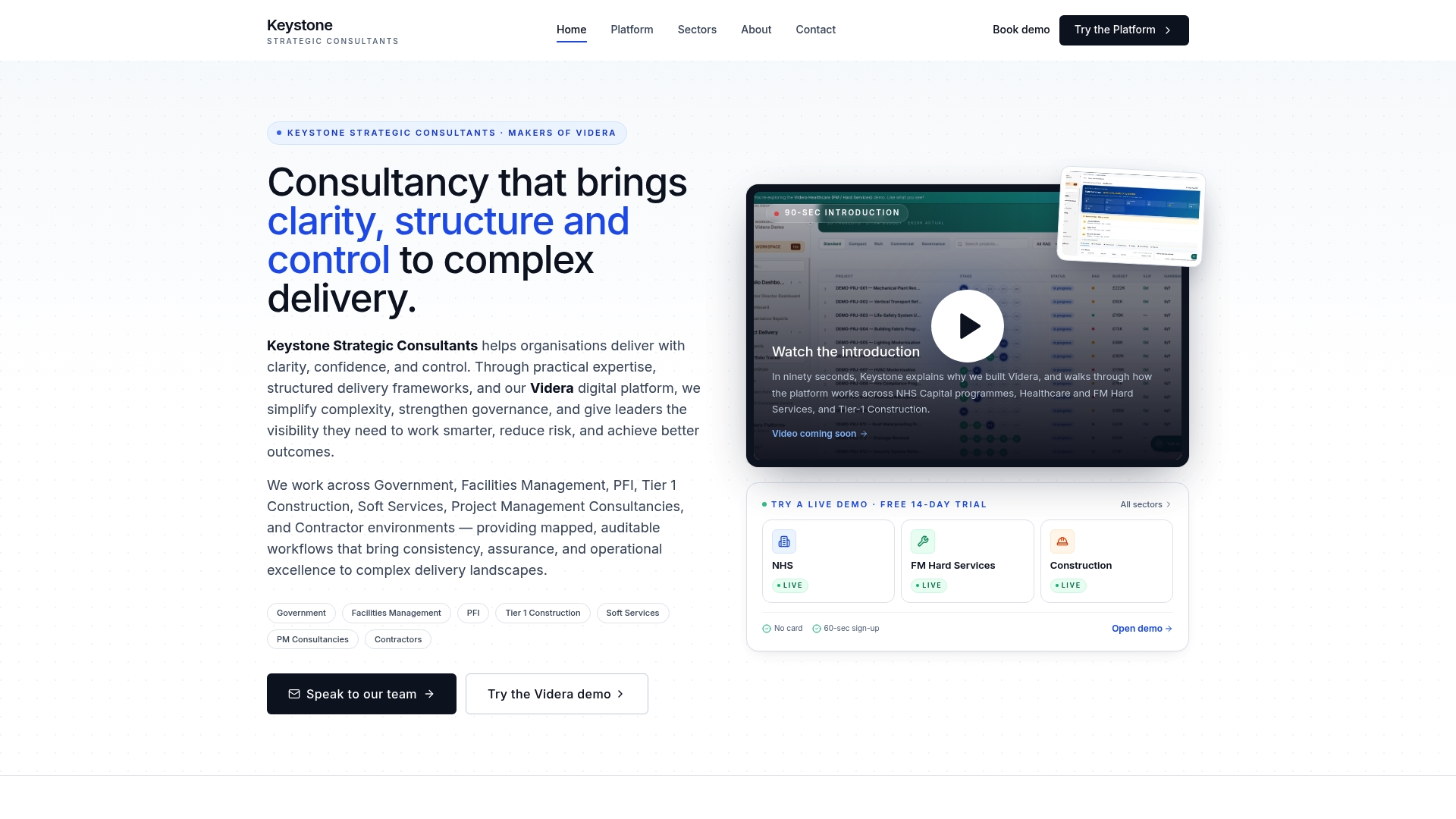
Videra
At a Glance
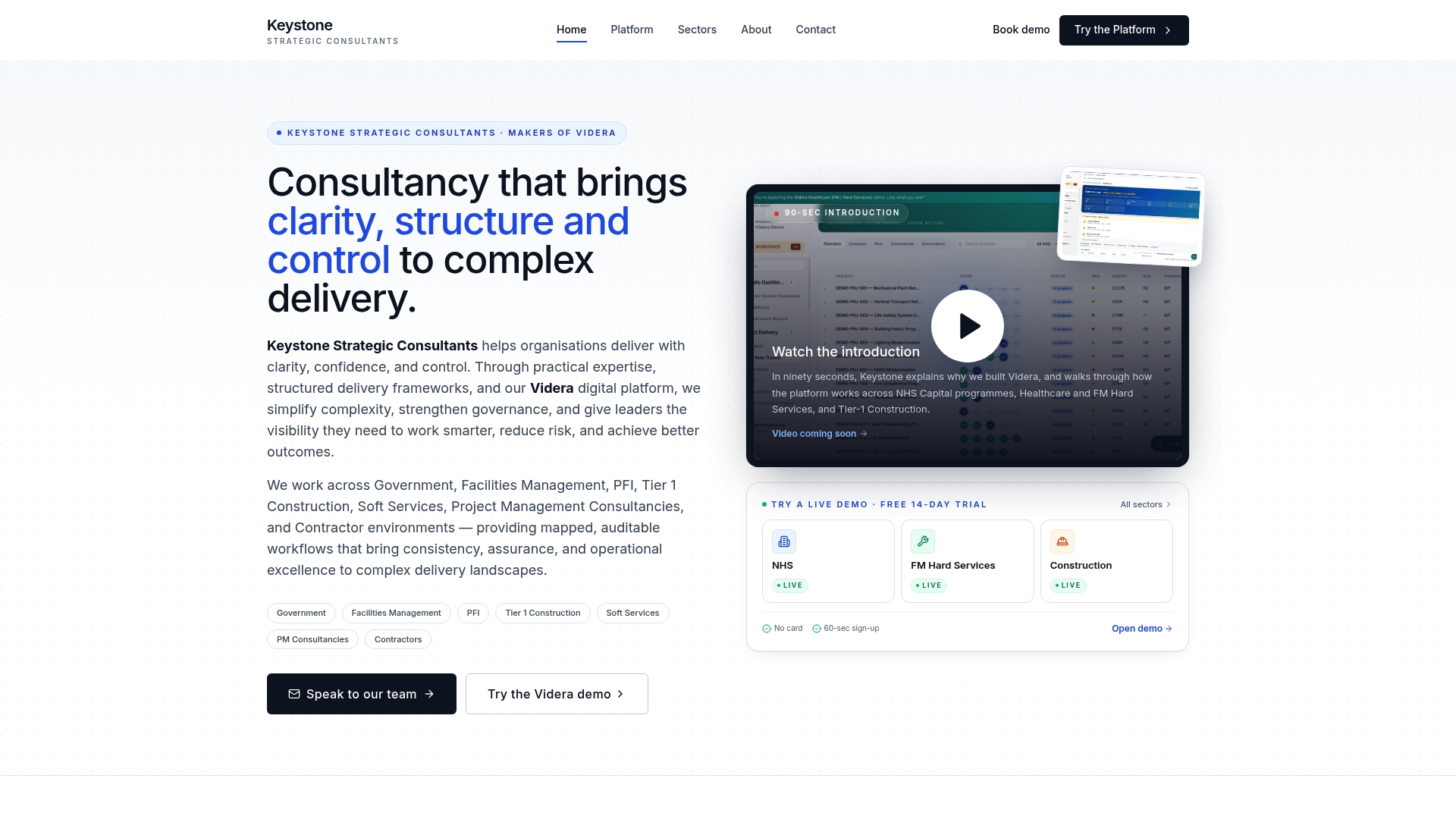
AI-powered reporting generates board packs and exception reports automatically. Videra brings mapped workflows, evidence capture and governance into a single operating environment. The platform targets portfolio visibility for healthcare, construction and facilities management projects.
Core Features
Videra uses stage gated governance with defined project gates and approvals so decision points are recorded and auditable. The system stores compliance, safety, commercial and quality evidence alongside configurable workflow templates for sector specific delivery. Integrated evidence capture links directly to the platform reports so board papers and exception summaries reflect live project status.
Key Differentiator
Keystone Strategic Consultants states Videra was built from twenty years of practitioner experience to address recurring delivery problems. That experience claim explains the emphasis on governance controls and evidence readiness in the product design. The platform also focuses on reducing reporting bottlenecks by combining mapped workflows with automated reporting. Teams get a tool shaped around common failures in programme delivery rather than abstract features.
Pros
Practitioner led design translates to features you will actually use during handovers and assurance reviews. Videra unifies planning, governance, evidencing and reporting so you do not juggle separate spreadsheets or document stores. Built in compliance and audit readiness mean evidence and approvals live where reviewers expect to find them. Flexible configuration and sector templates keep setup work short while allowing bespoke workflow changes for unusual delivery models.
Cons
- Limited public detail on user pricing or licensing options, which requires direct contact to understand total cost and licence terms.
Who It's For
Project managers and team leads in large organisations who manage multiple complex projects will see the most value. The platform fits delivery offices running healthcare, construction or facilities management portfolios. Small single project teams will likely find the feature set disproportionate to their needs.
Unique Value Proposition
AI-powered board packs and exception reporting mean your governance meetings can start with evidence already assembled and formatted. That reduces manual report assembly and the rework that happens when evidence is scattered. For a portfolio office that spends days compiling assurance packs, this changes how time is spent before and after governance meetings.
Real World Use Case
A healthcare trust uses Videra to oversee several construction and facilities upgrades at once. Project teams link safety and quality evidence to each gate and the trust produces audit ready reports for its board. That approach reduces missed approvals and keeps risk items visible to operational leads.
Pricing
Pricing is not published. The vendor lists the product as informational only, so licence models and fees are provided on request. Expect to discuss scope and deployment requirements with Keystoneconsulting to receive a tailored proposal.
Website: https://keystoneconsulting.uk
Wrike
At a Glance
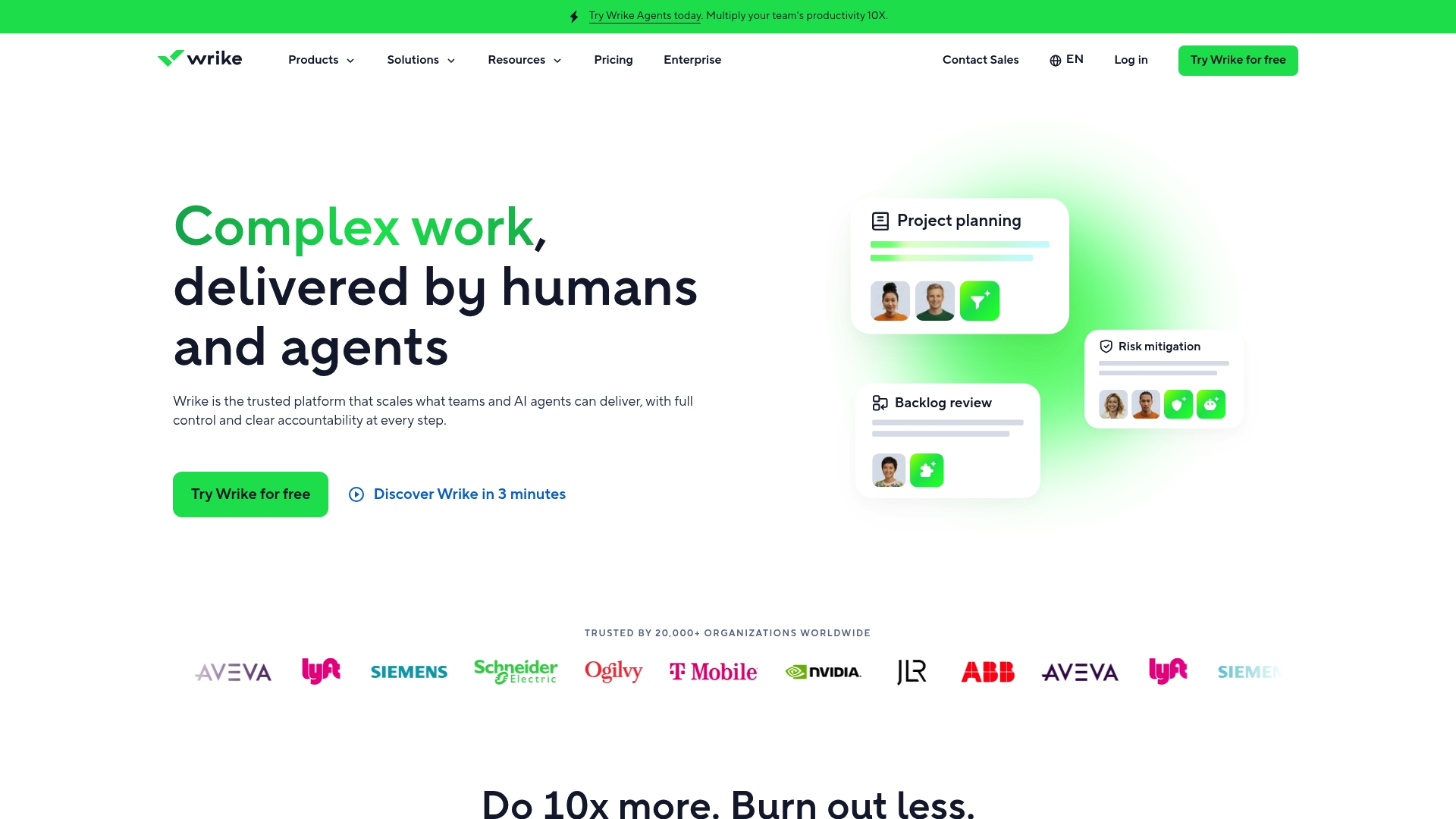
Wrike reports integrations with over 400 apps, which explains the breadth of its prebuilt connections. The platform pairs project planning with AI powered assistance and visual collaboration. Organisations use its features for complex, cross departmental work and enterprise scale projects.
Core Features
Wrike groups classic project planning tools such as Gantt charts and Kanban boards with resource management and workload balancing. The platform adds AI powered automation and insights, including Wrike Copilot, and visual collaboration via Wrike Whiteboard. Advanced reporting and dashboards support data driven decisions across roles.
Key Differentiator
The product’s edge lies in deep enterprise integration and AI driven automation that operates on real organisational data. That approach targets complex work across multiple systems and departments. The architecture supports heavy integration and custom configuration for large programmes.
Pros
The vendor advertises that it is trusted by hundreds of large enterprises, which supports claims of reliability and security. The platform offers a high level of customisation and scales from departmental teams to enterprise programme delivery. Its AI driven features automate routine tasks and surface project insights, saving manual effort on recurring updates. Extensive integration options widen automation potential and reduce the need for data exports.
Cons
- Pricing structure can be complex for smaller teams seeking a straightforward plan. A smaller organisation may struggle to map costs to needs.
- Some users report a steep learning curve because of the platform’s extensive features. New users often require time or training to gain fluency.
- Advanced features and integrations may need dedicated onboarding or vendor support. That can add to implementation time and cost.
When It May Not Fit
Small teams or single project groups that need a lightweight task tracker will find the platform overwhelming. Startups with constrained budgets may find the pricing model prohibitive. Teams that want instant productivity without configuration work may prefer a simpler tool.
Notable Integrations
Wrike connects to a wide set of third party systems to centralise work and data. Notable connections include:
- Salesforce
- Slack
- Google Drive
- Microsoft Teams
- Jira
- HubSpot
- Many more via API
Who It's For
This product suits organisations of 50+ employees that require enterprise grade work management and AI assisted automation. It fits teams that operate across departments and need secure, auditable workflows. Delivery leads who manage cross functional programmes will find the integration depth valuable.
Real World Use Case
A multinational enterprise coordinates product launches across departments using Gantt charts, automated workflows, and AI insights for schedule alignment. Project managers use workload balancing to prevent resource overload. Marketing, engineering, and operations work from the same dashboards to keep milestones aligned.
Pricing
Wrike offers a free plan with basic features and several paid tiers. Paid plans include Team, Business, Pinnacle, and Apex, with features and user allowances varying by tier. Organisations must review tiers to match feature needs and user counts.
Website: https://wrike.com
Procore

At a Glance
Procore includes unlimited users and data storage at no additional cost, which changes licensing budgets for large projects. The platform targets construction programmes spanning multiple sites and companies. That single licence model simplifies access for field teams, subcontractors, and owners on the same projects.
Core Features
Procore bundles project controls for cost, schedule, quality, safety, and resource tracking in one place and links office functions to the field. The platform offers AI-powered insights and automation for routine tasks and risk detection, and it supports custom workflows and views per role and project. Real-time collaboration works across multiple companies so documents, RFIs, and drawings remain consistent for every participant.
Key Differentiator
Procore’s edge is its purpose-built AI combined with deep connections to construction workflows. The AI focuses on predictive project insights such as likely cost overruns and schedule risks while feeding those signals back into project controls. That focus makes the product fit for organisations running portfolios of complex or concurrent builds.
Pros
Procore unites project data and stakeholders so teams use a single source of truth for drawings, submittals, and contract costs. The platform’s AI features support predictive analytics and routine automation, which reduces repetitive admin for project managers and clerks of works. Security and compliance targets enterprise and government customers, and the partner ecosystem expands connectivity with estimating, accounting, and design tools.
Cons
- Pricing is volume based and can vary significantly depending on project volume, which might be complex for some users.
- Some users report a steep learning curve due to the breadth of features.
- Calibration and customization often require dedicated effort or the use of professional services.
When It May Not Fit
Procore may not fit very small firms that only run occasional projects because the cost model is tied to construction volume. Teams that need a light task board and minimal process control will find the platform heavier than necessary. Organisations that lack internal change capacity should plan for a multiweek implementation and possible external support.
Notable Integrations
Procore integrates with Microsoft Project, Bluebeam, Sage 100 Contractor, Oracle Primavera P6, Smartsheets, and Zoom. These connections support bidirectional data flow for schedules, takeoff documents, accounting entries, and remote meetings.
Who It's For
The platform suits construction firms, general contractors, owners, and specialty contractors needing an end-to-end construction management system with AI-enabled decision support. It aligns with teams running large or multi-site projects that require strong document control and cross-company collaboration. Organisations with enterprise security or government contracting needs will find the compliance posture relevant.
Real World Use Case
A global construction company manages multiple simultaneous projects on Procore. Project managers use the AI signals to highlight potential cost overruns and schedule delays. Field teams reduce administrative load by automating routine workflows and sharing updates with owners and subcontractors in real time.
Pricing
Pricing depends on the products selected and construction volume and is generally volume based with no per-seat licensing. That model removes seat fees but means quotes vary by project size and suite composition. Project teams should request a tailored estimate to compare total cost against current licence and service bills.
Website: https://procore.com
TrueProject
At a Glance
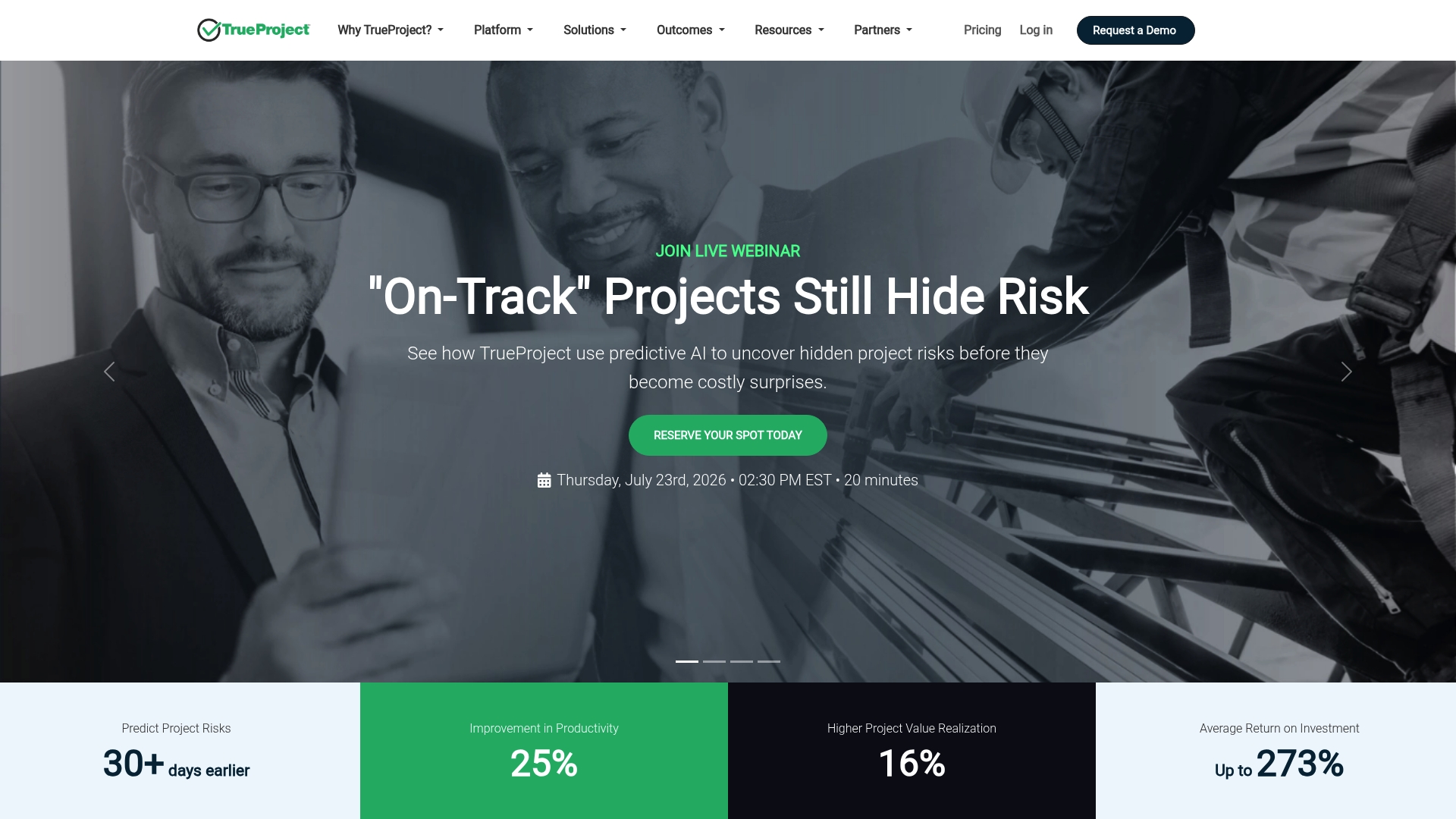
TrueProject reports integrations with over 1,000 systems, including Jira, Azure DevOps, and ServiceNow. The vendor says the platform combines project performance, stakeholder feedback, and KPIs into a single predictive oversight engine. That mix aims to surface early warnings and prescriptive recommendations before issues escalate.
Core Features
TrueProject delivers AI-driven predictive foresight that analyses project signals alongside behavioural and stakeholder inputs. The platform produces role specific insights for CIOs, PMOs, project managers, and executives, and it presents real time dashboards, alerts, and recommendations. Deployments can be SaaS, expert led reviews, or a fully managed service, which suits different governance models.
Key Differentiator
TrueProject unifies diverse project signals into a single predictive intelligence engine that supports proactive decision making. That consolidated view is its main distinction compared with tools that focus on single data sources or manual reporting.
Pros
TrueProject gives early warning signals that aim to reduce unexpected project failures. It unifies diverse data sources so teams get a single view of delivery health, stakeholder sentiment, and KPIs. Flexible deployment options let larger organisations choose SaaS, expert reviews, or managed services depending on their governance and resourcing.
Cons
- Complex setup may need a dedicated integration team and extended data onboarding time.
- Optimal use requires familiarity with predictive analytics concepts and interpretation of behavioural signals.
- Premium pricing may put the solution beyond the reach of smaller teams.
When It May Not Fit
If your organisation runs only a handful of projects, the platform is likely to deliver limited value. The product is best for organisations with substantial historical and live data feeding the predictive engine. Teams without integration capacity will face a longer lead time to get reliable forecasts.
Notable Integrations
TrueProject connects with Jira, Azure DevOps, ServiceNow, and supports custom APIs for bespoke toolchains.
Who It's For
Large organisations managing multiple, complex project portfolios will benefit most from TrueProject. The platform suits PMOs and executive governance teams that need predictive oversight and consolidated reporting across many delivery streams. Smaller teams or single project groups will find the scope and cost less suitable.
Real World Use Case
Argano uses TrueProject to gain downstream insights into client projects, which improves predictability and delivery performance. That example shows how the platform surfaces risk patterns across accounts and helps guide portfolio level interventions.
Pricing
Most plans are billed annually. Prices range from $149 to $249 per project per month, and custom enterprise pricing is available for large deployments.
Website: https://trueprojectinsight.com
Comparison of alternatives
Selecting project governance software requires balancing features, costs, and suitability to the scope and complexity of the projects managed. This comparison highlights how each platform addresses unique user needs across integration, automation, and sector focus.
Integration and breadth of compatibility
Wrike excels in integration capabilities by supporting over 400 applications, a standout feature for teams operating across multiple software platforms. TrueProject also offers extensive compatibility, integrating with over 1,000 systems focusing on predictive oversight. This breadth is significant for teams managing diverse tools and data connections. Conversely, Keystoneconsulting.uk focuses on sector-specific templates and governance controls, ideal for compliance-sensitive projects but less suited for extensive integration requirements.
Sector-specific functionality and reporting
Procore's focus on construction projects offers role-specific workflows and cross-participant collaboration, ensuring efficiency in large-scale construction management. Keystoneconsulting.uk, however, targets healthcare, construction, and facilities management, with features like AI-powered reporting preconfigured for these sectors. While Procore offers broad utility in construction, Keystoneconsulting.uk’s tailored solutions simplify compliance in heavily regulated environments.
Best fit
- Organisations running portfolios in healthcare, construction, or facilities management seeking preconfigured governance tools and ease of audit readiness will benefit from keystoneconsulting.uk.
- Teams requiring extensive application integration, such as marketing departments coordinating across platforms, will find Wrike's compatibility.
- Construction firms managing extensive projects with multiple stakeholders will benefit from Procore's single-platform collaboration.
- Enterprises focusing on predictive analytics for enhanced project foresight should consider TrueProject's AI-powered insights engine.
Our pick
Keystoneconsulting.uk provides excellent governance and reporting capabilities tailored to specific sectors, setting it apart as a primary choice for organisations focusing on compliance and audit readiness. However, for complex integration or heavy construction requirements, other platforms may better suit those needs.
Videra targets project governance professionals seeking streamlined evidence capture and reporting capabilities integrated with robust workflows.
| Product | Core Feature Focus | Key Differentiator | Best For | Pricing | Notable Limitation |
|---|---|---|---|---|---|
| Keystoneconsulting | AI-powered board packs and exception reporting | Practitioner-led design shaped by failures | Healthcare, construction, facilities teams | Price not published | Limited public detail on pricing |
| Wrike | Project planning with AI and visual collaboration | Deep enterprise integration and automation | Enterprise cross-departmental work | Multiple paid tiers (£) | Pricing complexity for small organisations |
| Procore | Unified construction project data and controls | Predictive AI for construction workflows | Large construction portfolios | Volume-based pricing | Pricing variability associated with project volume |
| TrueProject | Predictive oversight via integrated signals | Consolidated predictive intelligence | Governance teams overseeing complex portfolios | $149–$249 per project | Complex setup with extended onboarding requirements |
How can project leaders overcome governance and reporting challenges with AI tools?
Managing multiple complex projects in sectors like healthcare, construction, or facilities management often exposes delivery offices to delays caused by fragmented workflows and manual report compilation. Keystoneconsulting offers the Videra platform, designed by practitioners to tackle governance failures and reduce reporting bottlenecks through mapped workflows and AI-powered board packs. This makes assurance reviews more efficient by assembling audit-ready evidence automatically.
For project managers and team leads seeking to improve oversight and compliance while simplifying reporting, visit Keystoneconsulting to learn about tailored governance solutions powered by AI. Book a consultation to see how Videra can generate exception reports and board packs that reflect your live project status without extra effort.
FAQ
Which project governance software is best for healthcare projects?
Keystoneconsulting is ideal for healthcare projects due to its AI-powered reporting and stage gated governance features. Videra, another strong choice, was built to address recurring delivery issues but is particularly suited for larger projects. For those managing healthcare portfolios, Keystoneconsulting effectively integrates compliance and quality evidence, streamlining governance processes.
What is the difference between Wrike and Keystoneconsulting?
Wrike offers over 400 app integrations, making it a strong option for organisations needing extensive third-party connections. Keystoneconsulting excels by focusing on governance control and evidence capture specifically tailored for project delivery in healthcare, construction, and facilities management. Users should consider the specific needs of their workflows when choosing between the two platforms.
How does Keystoneconsulting support project compliance and safety?
Keystoneconsulting enhances project compliance and safety through its defined project gates and approval processes. This feature ensures decision points are recorded and auditable, which is crucial for maintaining compliance within regulated sectors, such as healthcare. Users can expect a streamlined approach to compliance documentation and reporting.
Can small teams use Keystoneconsulting effectively?
Keystoneconsulting is designed with larger organisations in mind, making it a less suitable option for small teams managing single projects. Its extensive features may be more than necessary for smaller undertakings, where simpler task tracking tools might suffice. Small teams should assess their specific project demands before deciding.
What unique features does Procore offer for construction management?
Procore stands out with its unlimited users and data storage model at no additional cost, which is beneficial for large construction projects. Keystoneconsulting, while also focused on construction, applies a nuanced approach through AI-powered insights directed at governance and risk management, tailored specifically for complex project interactions.