
An issue escalation matrix is a table that tells a team who decides what, by when, once a problem outgrows normal handling. Used properly, it turns a stalled decision into a routed one: the right person acts within a set time, with the evidence they need already attached. Build the version below and you can test it within weeks.
TL;DR:
- Most escalation matrices should include four levels, from frontline owners to executive decision-makers, each with specific response times and named DRIs.
- Clear thresholds based on measurable criteria like delay duration or financial impact are essential to trigger escalation and prevent unnecessary top-level involvement.
- Categorizing issues by purpose, such as project delivery or compliance, helps ensure the correct escalation pathway and decision authority for each situation.
- Regular review, testing, and updating of the matrix are crucial to maintain its effectiveness and adapt to project or team changes.
- Effective escalation requires thorough documentation, including problem statements, impact, actions taken, and exit criteria, to enable auditability and continuous improvement.
Table of Contents
- What an escalation matrix must cover and when to use it
- Core elements: levels, roles and response times
- How to build an issue escalation matrix, step by step
- Priority and triage: using impact and urgency to decide who acts
- Communication, logging and closure
- Template and examples: an editable one-page escalation matrix
- Applied lessons from programme governance
- What the data actually supports
- How Keystone can help operationalise your matrix
- Sources
- FAQ
What an escalation matrix must cover and when to use it
An escalation matrix earns its place when a problem crosses a threshold that ordinary workflows cannot clear: a missed deadline that threatens go-live, a safety finding, a client complaint that reaches a director, or a vendor failure with financial exposure. It is not a replacement for daily task management, and using it for routine queries just adds friction.
Most organisations need separate matrices, or separate rows within one matrix, for:
- Project delivery, covering schedule, scope and cost variance.
- Operations, covering service outages and process breakdowns.
- Security and compliance, covering breaches, near-misses and regulatory findings.
- Vendor and supplier issues, covering missed deliverables and contract disputes.
- Customer complaints, covering service failures that reach senior staff.
It helps to separate two ideas that get muddled: escalation adds resources or attention to a problem still being solved at the same authority level, while elevation moves the decision itself to a higher authority because the current owner lacks the mandate or the information to resolve it.
Core elements: levels, roles and response times
A usable matrix needs four things in every row: a level, a role, a trigger and a time. Skip any one of these and the matrix becomes advisory rather than operational.
- Levels L1 to L4. L1 is the frontline owner who resolves within existing authority. L2 is a team lead or programme manager who can reallocate resources or approve minor scope changes. L3 is a sponsor or senior manager who can approve budget variance or schedule slippage. L4 is an executive or steering group who can change project direction or accept significant risk.
- A named DRI per level, with a backup. The directly responsible individual, or DRI, is the person accountable for moving the issue forward at that level, not necessarily the person doing the work. GitLab's escalation handbook documents how defining the DRI role, and how to declare and close an escalation against it, keeps ownership from drifting between people during a live issue. Naming a backup for each DRI matters more than the primary name: most matrices fail during holidays and sickness, not during normal working hours.
- Trigger types. Set explicit triggers for time (an issue open beyond its target), financial thresholds (cost variance above an agreed percentage), safety or compliance findings, and any complaint that reaches a named senior role.
- Response time targets by priority. A critical issue should get an acknowledgement within minutes and a first update within the hour; lower priorities can tolerate a working day or more before the same steps apply.
RACI, the responsible, accountable, consulted, informed model, complements the DRI structure by making clear who else touches the issue without becoming a second decision-maker. A project RACI matrix built correctly prevents the handoffs between "responsible" and "accountable" people that quietly stall escalations for days.
Pro Tip: Give every level a maximum silence period, for example two hours, after which the issue auto-escalates to the next level regardless of whether anyone has replied.
How to build an issue escalation matrix, step by step
Building a working matrix is a sequence, not a document exercise. Each step produces something the next step needs.
- Define purpose, scope and stakeholders. Decide which issue types the matrix covers and list the people who will own each level, by role rather than name where possible.
- Set measurable severity criteria and thresholds. Replace vague language such as "significant delay" with numbers: a schedule tolerance of plus or minus one week for the project manager, two weeks for the sponsor, and any delay threatening go-live for the steering group.
- Map escalation levels to decision authorities and DRIs, with backups. Confirm each DRI can actually approve what the level requires, budget, scope or resourcing, and record a backup contact.
- Set response times, channels and documentation requirements. Decide which channel carries updates (a dedicated chat channel, an ITSM ticket, email) and what must be logged before an issue can move levels.
- Create a one-page escalation request form and exit criteria. The form should force a problem statement, the impact, and a specific ask; exit criteria define what "resolved" looks like so issues do not linger unclosed.
- Test the matrix and set a review cadence. Run a tabletop exercise using a past real issue, time each step, and fix whatever took too long. Review the matrix on a fixed cadence, for instance quarterly, and adjust thresholds if data of the same date shows they are consistently too tight or too loose.
Two things sink matrices after launch:
- Thresholds set once and never revisited as the project or team changes.
- No one owning the matrix itself, so it drifts out of date within months.
A fixed governance cadence, reviewed alongside other decision governance rhythms, keeps the matrix current rather than filed and forgotten.
Priority and triage: using impact and urgency to decide who acts
Impact measures how much damage the issue does, in cost, safety or reputation. Urgency measures how quickly that damage grows if nothing happens. Keeping the two separate stops a loud complaint from being treated the same as a genuine emergency.
The ITIL priority matrix combines impact and urgency into priority levels, commonly P1 through P5, and maps each to its own SLA response and resolution target. A P1 typically demands acknowledgement within minutes; a P5 can wait a working day.
- Escalate resources when the problem needs more hands or expertise but the current owner still has the authority to fix it.
- Elevate the decision when the fix requires budget, scope change, or risk acceptance beyond the current owner's mandate.
- Automating priority assignment in a ticketing or project tool reduces inconsistent triage, but gate any change to critical priority behind a named approver to stop priority inflation, where everything gets marked urgent to jump the queue.
Communication, logging and closure
An escalation that is not written down is an escalation that cannot be audited later. Every escalated issue needs the same minimum record, regardless of how small it turns out to be.
- Issue statement: what happened, in one or two sentences.
- Impact: who or what is affected, and how badly.
- Decision and actions taken: what was approved, by whom, and when.
- Exit criteria: the condition that closes the issue.
- Evidence: screenshots, logs, sign-offs or correspondence attached to the record.
Set a fixed update cadence per priority, for example hourly for a P1 and daily for a P3, and name who posts it: usually the DRI at the current level, not whoever is available. Once closed, every escalation should feed a short post-mortem stored somewhere searchable, so the same trigger does not surprise the team twice. NIST's incident handling guidance recommends separating technical resolution from communications and governance reporting, which keeps the people fixing the problem from also having to draft the update that goes to leadership. Where an issue touches personal data or a legal obligation, loop in privacy or legal counsel at the point of escalation, not after the record is closed. Audit-ready nonconformance templates follow the same logic: capture evidence as it happens, not from memory afterwards.
Pro Tip: Store every closed escalation in one place, searchable by trigger type, so a new starter can find precedent instead of asking around.
Template and examples: an editable one-page escalation matrix
A downloadable problem escalation matrix template gives a practical starting structure. Copy the fields below into a spreadsheet and fill each row for your own project.
| Level | Role (DRI) | Typical trigger | Response time |
|---|---|---|---|
| L1 | Team lead | Task delay under one week | Within one working day |
| L2 | Programme manager | Schedule slip over one week or minor budget variance | Within four hours |
| L3 | Sponsor | Delay over two weeks or budget variance above agreed threshold | Within two hours |
| L4 | Steering group | Any delay threatening go-live | Within one hour |
Worked example: a task slips by six days. The team lead cannot absorb it within the sprint, so it moves to L2. The programme manager reallocates a resource and resolves it within four hours, closing the escalation without ever reaching L3. Scale the thresholds to your context: a small internal project might set L2 at a three-day slip, while a large construction programme with contractual milestones might not escalate until two weeks. Sector matters too, a healthcare compliance finding often escalates faster than a construction schedule variance of the same size.
Applied lessons from programme governance
Recurring governance failures rarely come from a missing matrix, they come from one nobody maintains once the project gets busy, and from reporting bottlenecks where the same person is asked to fix the issue and write the update. Separating technical, communications and legal streams, in line with NIST's incident guidance, stops the responder handling the fix from also carrying the reporting load, which is where escalations most often stall.

What the data actually supports
Most advice on escalation matrices focuses on the table, levels, roles, response times, and stops there. The table is the easy part. What determines whether a matrix survives contact with a real crisis is the exit criteria and the review cadence, both of which get skipped far more often than they get written.

The conventional advice also treats escalation and elevation as interchangeable, which causes matrices to route every problem straight to the top. That inflates every issue to executive attention and trains the organisation to ignore the matrix within a quarter.
If you are building one now, prioritise numeric thresholds and named backups before you worry about software or automation. A spreadsheet with clear numbers and a backup DRI for every role beats a polished dashboard with vague triggers. Automation earns its place once the matrix has proven itself in a few real escalations, not before.
— Peter
How Keystone can help operationalise your matrix
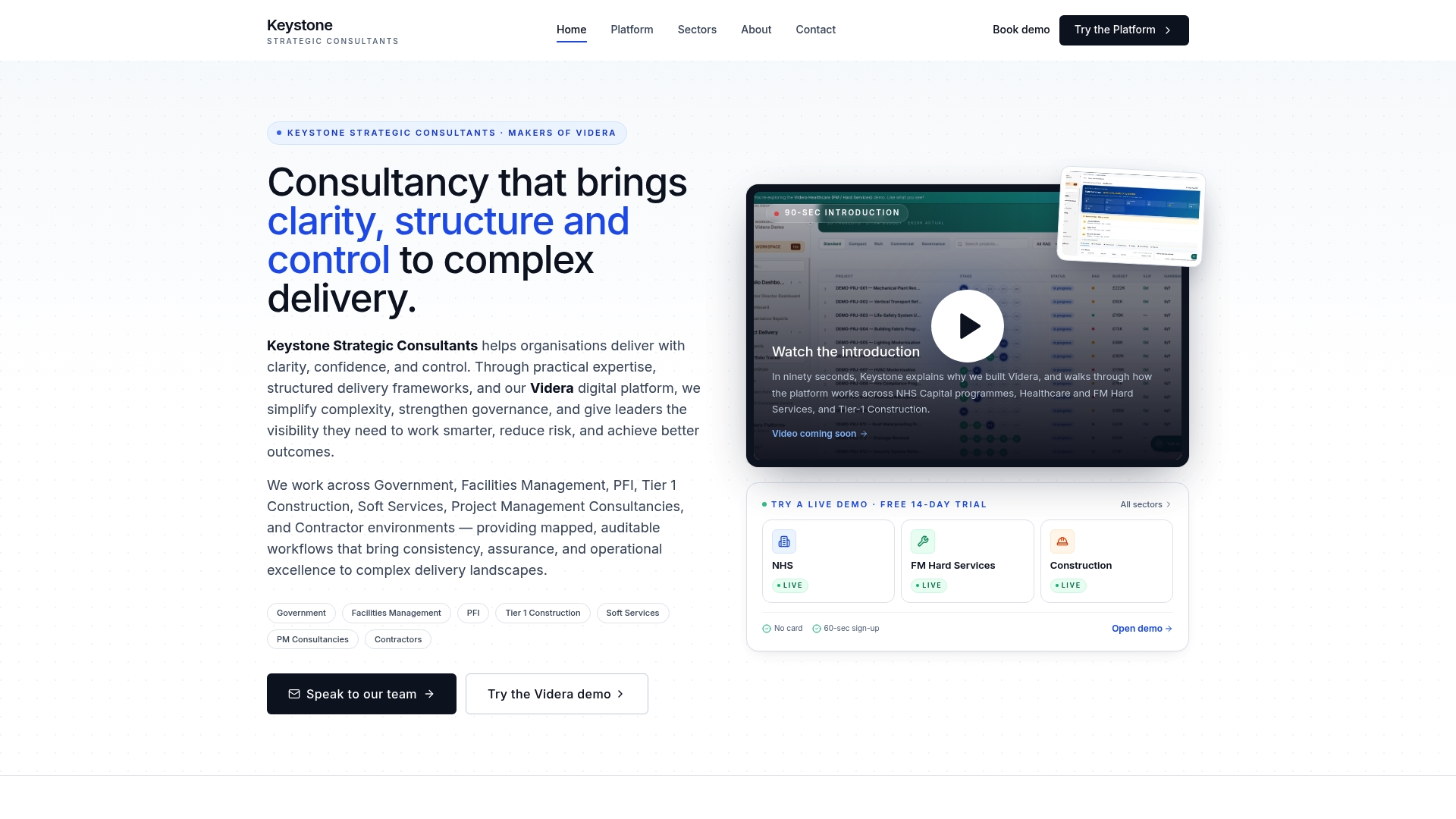
Building the matrix is one thing, keeping it live inside your daily workflow is another. Consultancy work can map escalation levels, RACI roles and thresholds directly into existing project structures, and certain platforms can turn mapped workflows into automated reporting, so an escalation raises the right alert without someone chasing it manually. A typical engagement covers workflow mapping, RACI assignment, template build and an automation trial on live issues. If you would rather have this built for you than build it yourself, see Videra PM or talk to our consultancy team about a governance engagement.
Sources
- Computer Security Incident Handling Guide (NIST SP 800‑61)
- GitLab escalation procedures and DRI responsibilities (GitLab handbook)
- Problem escalation matrix template (Smartsheet)
FAQ
How do you handle escalated customer issues?
Route the complaint to the level whose DRI has authority to resolve it, log the impact and the ask, and confirm a response time before acting. Keep the customer updated on the same cadence you would use internally, so they are never waiting longer than your own SLA target allows.
What is an example of escalation?
A project task slips by six days and the team lead cannot recover it within the sprint, so the issue moves to a programme manager who can reallocate resources. That is escalation, the decision authority moves up a level while the problem is still being actively worked.
How do I write an email for escalation?
State the problem in one sentence, the impact in the next, and finish with a specific ask, for example approval of extra budget or a resourcing decision. Attach the evidence and name the exit criteria so the recipient knows what resolved looks like.
What are the different levels of escalation?
Most matrices use four levels: L1 for the frontline owner, L2 for a team lead or programme manager, L3 for a sponsor, and L4 for an executive or steering group. Each level should have a named decision authority, a backup, and its own response time target.